A critical PHP security issue has just triggered emergency updates across the web hosting world, and if your website runs on PHP, it is sensible to check whether you are protected.
That includes many business websites, especially those built on WordPress.
The good news is that checking your PHP version is usually quick and straightforward. In this guide, we explain what happened, how to check your version, and what to do if your site is not on a patched release.
What is the issue?
The PHP project has released urgent security updates to fix two critical vulnerabilities that could allow unauthenticated remote code execution on affected systems. In simple terms, that means attackers may be able to run malicious code on vulnerable servers without needing to log in first.
The PHP team says all PHP installations serving web requests are at risk if unpatched, and that updating is the only safe choice.
Which PHP versions are safe?
At the time of writing, the patched versions are:
- PHP 8.5.12
- PHP 8.4.27
- PHP 8.3.36
- PHP 8.2.35
If your website is running one of those versions, you are protected against these specific vulnerabilities.
If you are running PHP 8.1 or older, you should speak to your hosting provider or web developer immediately. Those versions are no longer supported by the PHP project, although some vendors may have backported fixes.
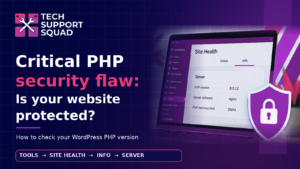
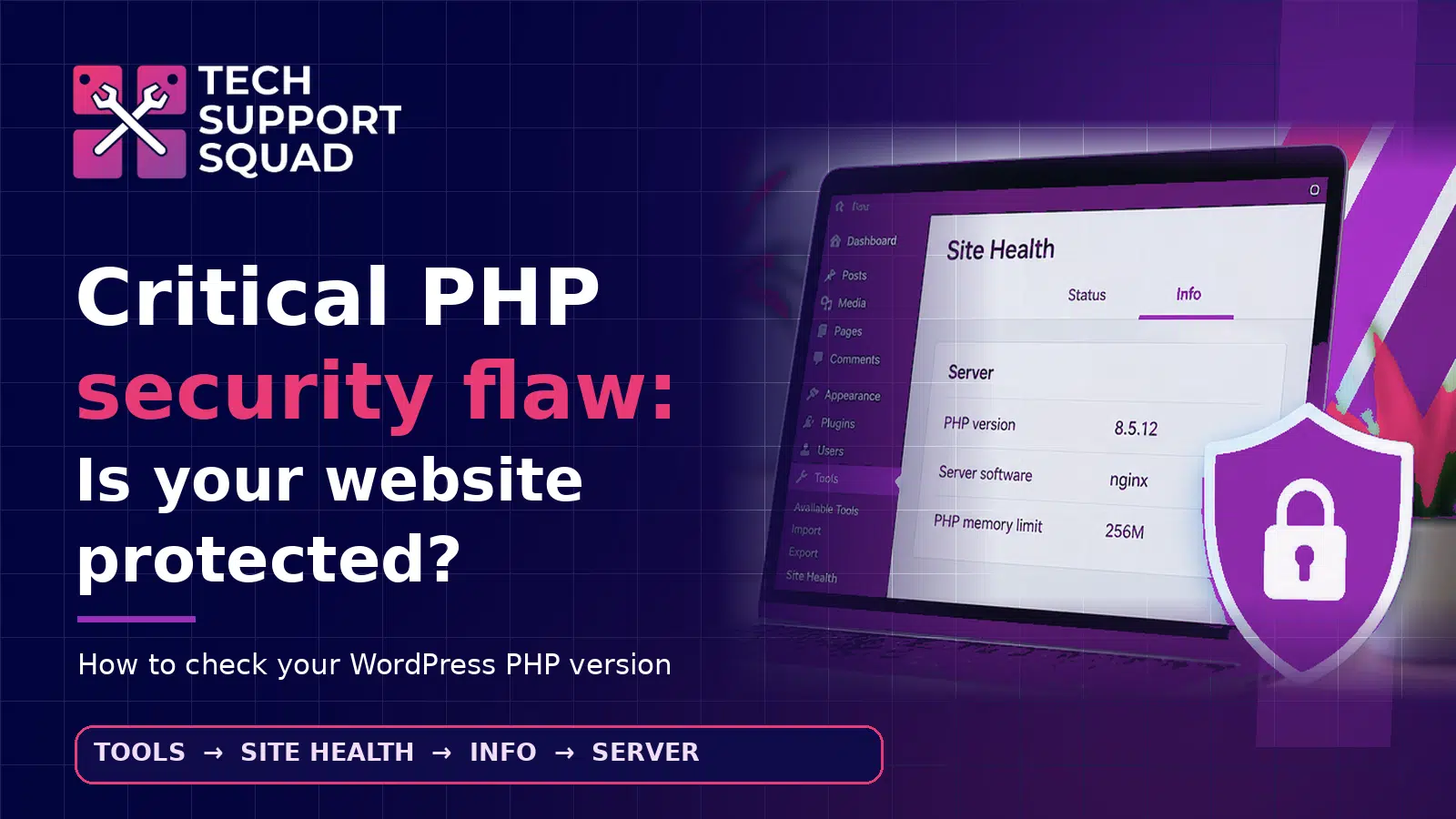
How to check your PHP version in WordPress
If your website uses WordPress, here is the easiest way to check.
Option 1: Check in WordPress Site Health
- Log in to your WordPress admin area.
- Go to Tools
- Click Site Health
- Click the Info tab
- Open the Server section
- Look for PHP version
You will see a line similar to:
PHP version | 8.5.12
If your version matches one of the patched releases listed above, your site is protected from this specific issue.
Option 2: Ask your web developer or hosting provider
If you do not have WordPress admin access, your web developer or hosting provider should be able to confirm:
- the PHP version currently running on the live website
- whether the recent emergency PHP security patch has been applied
- whether any additional server-level checks have been carried out
What if your site is not on a safe version?
If your PHP version is not one of the patched releases, act quickly.
You should:
- Request an immediate PHP update
- Ask your provider to confirm the update has been applied to the live server
- Ask for server and security log checks, especially if the site was exposed before patching
- Check WordPress core, plugins and themes are also fully updated
- Review backups so you know a clean restore point is available if needed
A quick note for business owners
Many business owners assume their website provider is automatically handling this sort of thing. Sometimes they are. Sometimes they are not.
That is why it is worth checking.
A simple version check can tell you whether your website is on a protected release or whether you need to chase your provider for urgent action.
What we checked on our own website
We checked our own website and confirmed it is running:
PHP 8.5.12
That is one of the patched releases, so it is protected against these two vulnerabilities.
Need help checking?
If you are unsure what your site is running, or you want a second opinion, we can help.
At Tech Support Squad, we help businesses cut through the jargon and get clear answers on website, Microsoft 365 and cyber security risks.
Want us to check it with you? Get in touch with Tech Support Squad.